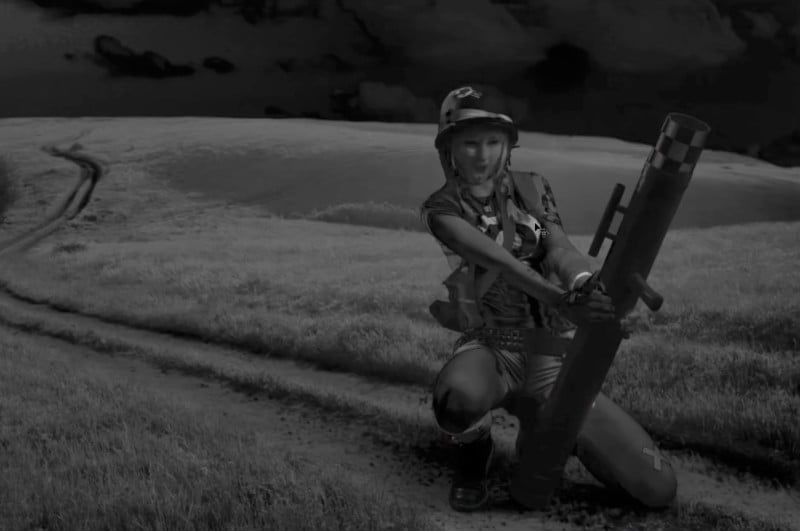
 Once you’ve matched the color tones in a composite photo, you can then move on to matching the saturation for proper realism. Here is a 5-minute tutorial from Antti Karppinen that shows how you can do so using Photoshop. First, create a selective color adjustment layer over your composite. In the pop-up dialog box, select the red […]
Share this Article
Recommended