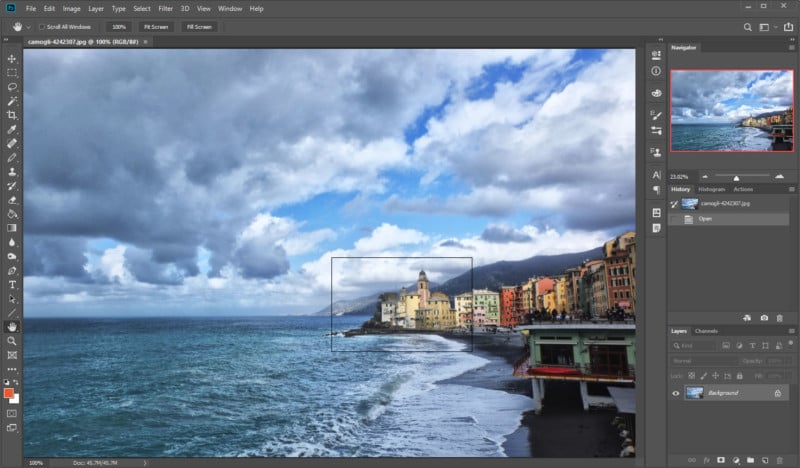
 If you’re zoomed into a photo in Photoshop, popular ways to move around include holding the spacebar (and then clicking and dragging) or clicking inside the Navigator panel. But there’s a lesser-known trick that’s just as handy, and the Photoshop Training Channel explains how it works in this 2-minute video. Basically, you can easily reposition […]
Here's a Lesser-Known Photoshop Trick for Zooming Around Inside Photos
PetaPixel - 31 May 2019 18:31
If you’re zoomed into a photo in Photoshop, popular ways to move around include holding the spacebar (and then clicking and dragging) or clicking inside the Navigator panel. But there’s a lesser-known trick that’s just as handy, and the Photoshop Training Channel explains how it works in this 2-minute video. Basically, you can easily reposition […]
Share this Article
Recommended