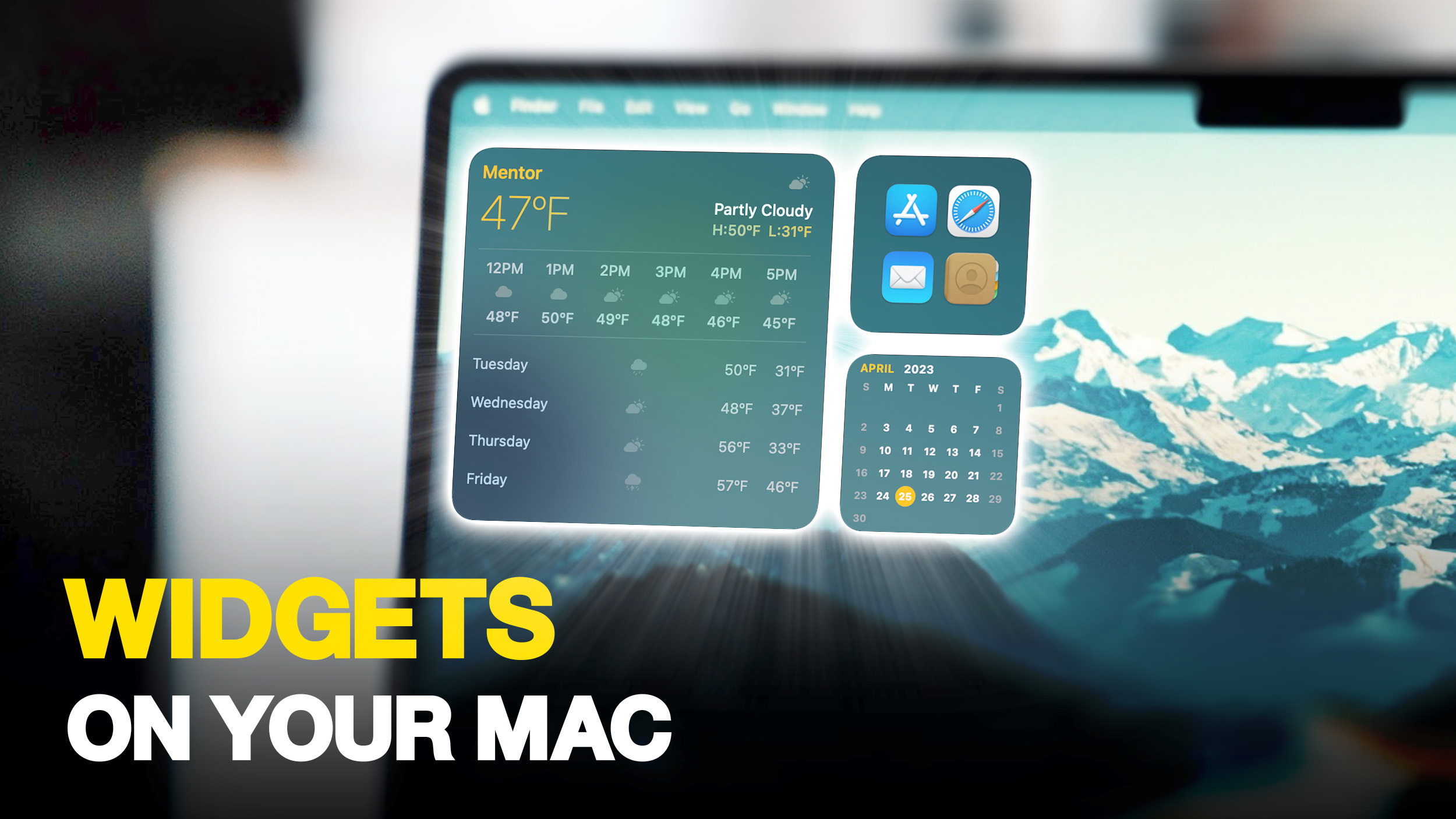
 In macOS Sonoma, Apple has changed the widgets landscape. No longer do widgets have to be hidden offscreen and largely forgotten in the Notifications Center panel. Now they live right on your desktop - and they're interactive, too. It's worth noting from the off that widgets can still be parked in Notification Center, but now they can also be dragged out onto the desktop. The first widget can be placed anywhere, then Apple provides placement guidance for subsequent widgets by displaying a widget...
In macOS Sonoma, Apple has changed the widgets landscape. No longer do widgets have to be hidden offscreen and largely forgotten in the Notifications Center panel. Now they live right on your desktop - and they're interactive, too. It's worth noting from the off that widgets can still be parked in Notification Center, but now they can also be dragged out onto the desktop. The first widget can be placed anywhere, then Apple provides placement guidance for subsequent widgets by displaying a widget...
In macOS Sonoma, Apple has changed the widgets landscape. No longer do widgets have to be hidden offscreen and largely forgotten in the Notifications Center panel. Now they live right on your desktop - and they're interactive, too. It's worth noting from the off that widgets can still be parked in Notification Center, but now they can also be dragged out onto the desktop. The first widget can be placed anywhere, then Apple provides placement guidance for subsequent widgets by displaying a widget...
Share this Article
Recommended